Track enrollment status without losing the evidence
Separate external status from internal action, preserve submission records, and route discrepancies.
A provider file may be complete in one system and still have an unresolved item in another. Enrollment coordination becomes difficult when “submitted” is treated as the final state or when the latest payer response lives only in one person’s inbox. A useful register preserves the history of each application and makes the next action explicit.
This article describes administrative coordination. Payers, credentialing bodies, authorized practice representatives, and qualified professionals retain their respective decisions. An assistant’s activity does not guarantee approval, participation, or an effective date.
Define the unit of work
Decide what each row represents before building the tracker. A provider, an application, and a payer relationship are related but not interchangeable. One provider can have multiple applications with different locations, entities, stages, and owners.
Use the identifiers your organization approves. Keep enough context to distinguish the application without putting unnecessary sensitive information into a shared dashboard. Store supporting records in the approved repository and link to them through the appropriate permissions.
Keep source status and internal status separate
Record the payer or portal’s stated status accurately, with the date and source. Then record your internal next action separately. This avoids replacing an external fact with an optimistic interpretation.
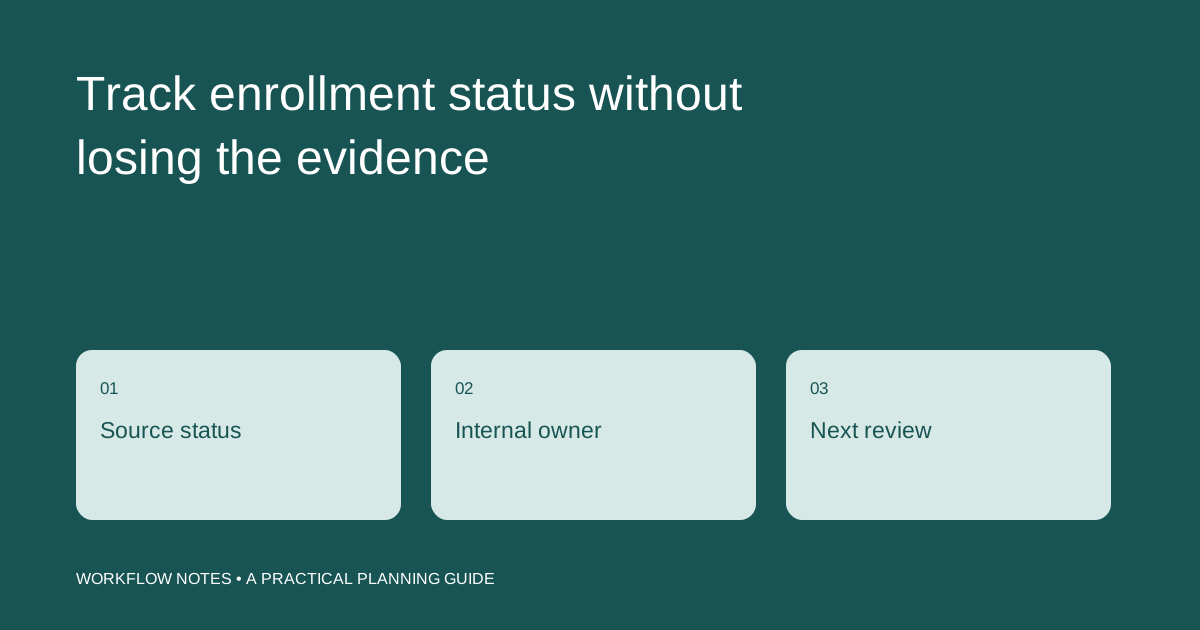
| Field | Purpose |
|---|---|
| Application reference | Identifies the specific submission |
| External status | Records the source’s current wording |
| Status checked | Shows when and where it was verified |
| Outstanding item | Captures the stated request or discrepancy |
| Internal owner | Names the person responsible for the response |
| Next review date | Keeps follow-up from disappearing |
If the portal says “in review,” do not change it to “approved” because all requested documents have been sent. The assistant can report the evidence available and the next follow-up point.
Preserve submission evidence
A submission record should point to the confirmation or other evidence the process provides. Record the date, the application reference, and any requested follow-up. If there is no confirmation, show that uncertainty rather than treating an attempted upload as a completed submission.
The organization should define who may submit, attest, or approve information. An assistant can prepare a packet and coordinate an authorized review; the role should not silently take over attestations or signatures reserved for someone else.
Route discrepancies instead of guessing
An inconsistent name, location, date, or identifier needs a documented resolution path. The assistant should identify the mismatch and ask the designated owner to supply the authoritative correction. Editing records to make them look consistent can conceal the underlying issue.
For an illustrative example, a portal request may refer to a location differently from the internal file. The coordinator records the exact request, links the relevant records, and routes the question. The authorized person determines the correct information and approves the response.
Make follow-up useful
Before contacting a payer, review the latest status and prior interaction. Use approved channels and identify the specific application. Record what was actually said, any reference number supplied, and the next step. Avoid converting an informal estimate into a guaranteed completion date.
A follow-up log should help the next coordinator continue the work. “Called payer” is less useful than a factual note describing the unresolved item and the expected response route. Keep personal information out of broad progress summaries.
Review the queue by exception
Focus on applications without recent status evidence, unresolved requests without owners, and submissions whose confirmation cannot be located. Separate internal waiting time from external review so the report points to actions your team can take.
Our payer status follow-up and enrollment application support services are designed around this administrative trail. For a consultation, bring the structure of your current tracker, the approved tools, and your authorization rules. Do not send provider identity documents through the public inquiry form.